BlueWillow Free AI Art Generator | Create Your Own Masterpiece (2026 Guide)
Updated: Refreshed for 2026 with clearer recommendations and latest relevance.
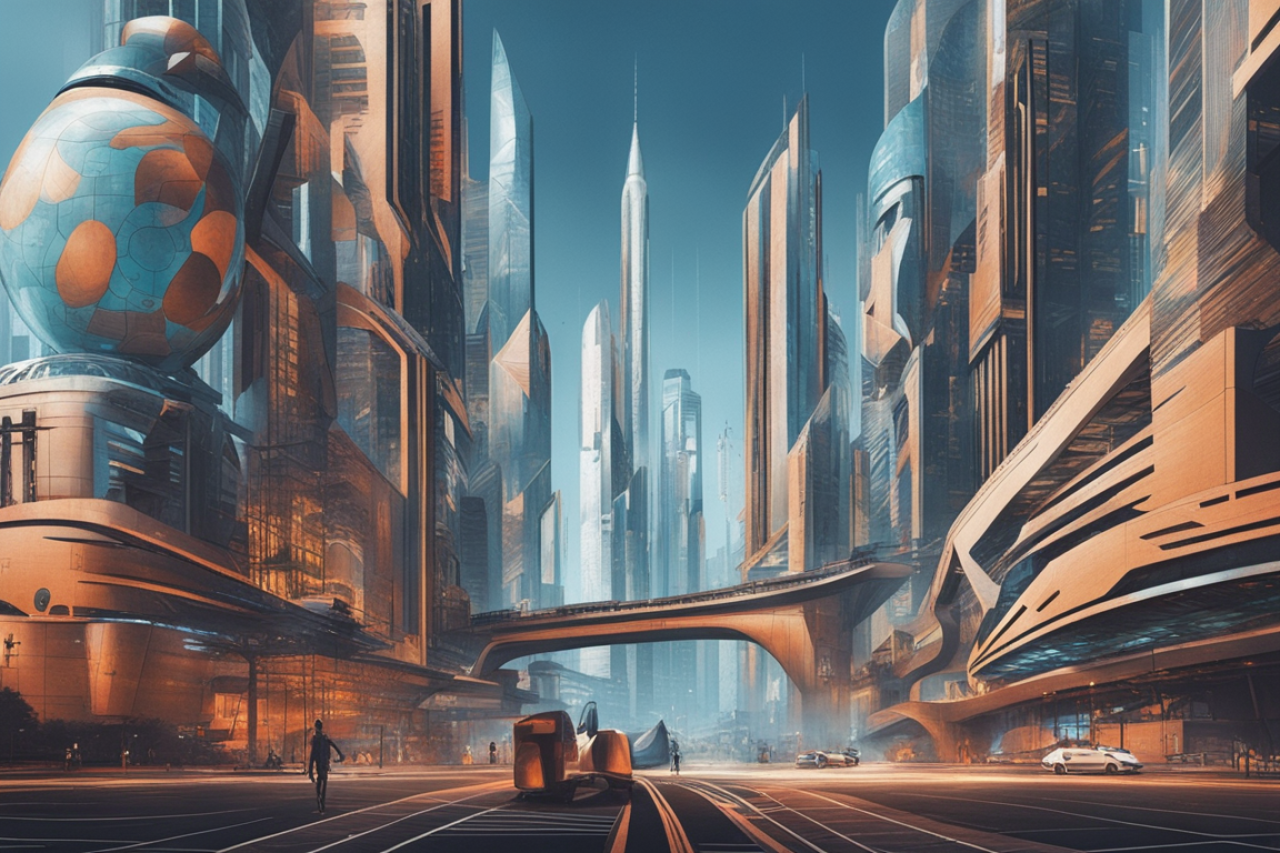
Create your own masterpiece
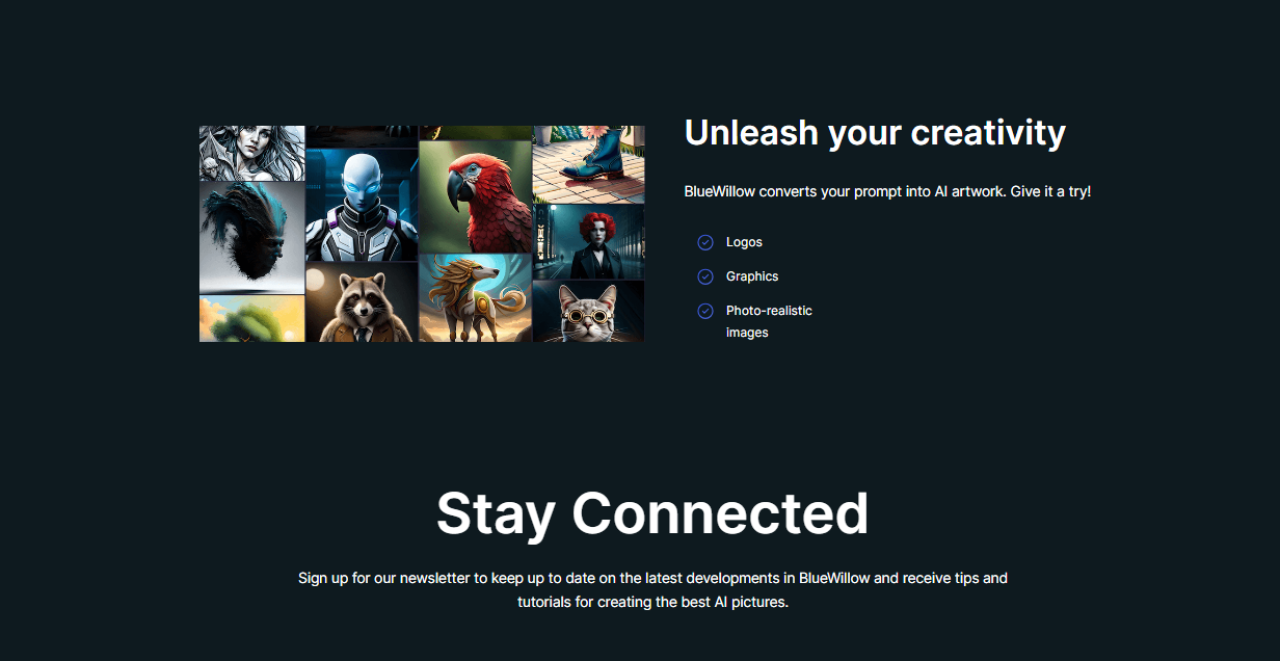
Bluewillow, available at www.bluewillow.ai, is more than just a tool; it's a portal to the realms of your uncharted creativity. This platform allows users, regardless of their artistic background, to create unique and compelling artworks that can range from hauntingly beautiful abstracts to hyper-realistic landscapes. As someone who has experimented with various digital art tools, the intuitive design and user-friendly interface of Bluewillow stand out. It invites you to experiment, iterate, and transform your visions into visuals with just a few clicks.
Personal Experience with Bluewillow
I remember the first piece I created using Bluewillow; it was a surreal depiction of an ocean wave lit by bioluminescent creatures under a starry sky. The process was not only seamless but surprisingly therapeutic. The ability to manipulate elements, mix colors, and even adjust the emotion of the scene reinvented what art meant to me. This tool isn't just generating art; it's crafting experiences and memories.

Personal Touch: Sarah's Experience with AI Art Generator
Sarah, a budding artist, was intrigued by the concept of using AI to create art. She decided to give the AI Art Generator a try to see how it could inspire her own creative process. Sarah uploaded a photo of a sunset she had taken during a recent trip to the beach. The AI Art Generator analyzed the colors and patterns in the photo and transformed it into a stunning abstract painting.
Seeing her photo reimagined in such a unique way sparked a new wave of creativity in Sarah. She was able to draw inspiration from the AI-generated artwork and incorporate some of its elements into her own paintings. Sarah found that the AI Art Generator not only helped her think outside the box but also pushed her to experiment with different styles and techniques she hadn't considered before.
How does it work?
The magic behind Bluewillow and other free AI art generators lies in their sophisticated use of machine learning algorithms, particularly those based on Generative Adversarial Networks (GANs). These networks are essentially composed of two models: one that generates images from the descriptions you provide, and another that judges these images against a dataset of professional artwork. This interplay ensures that the output is not just random, but visually and stylistically coherent.
The Technical Backbone
Diving deeper, Bluewillow leverages a customized version of these GANs, optimized for artistic creativity and diversity of output. The AI is trained on thousands of pieces of art from various epochs, styles, and mediums, from classical Renaissance paintings to modern digital art. This extensive training allows the AI to understand and replicate complex artistic nuances that can be controlled through user inputs.
AI Art Generator
The features of Bluewillow make it stand out in the crowded space of AI art generators. Not only does it allow for the creation of static images, but it also supports the generation of animated pieces. This feature is a game-changer for digital storytellers and marketers who wish to add an engaging visual dimension to their narratives.
Advanced Features
One of the most impressive features is the 'style transfer' capability, where you can take the style of any famous painting and apply it to a photograph or another image. Imagine having your portrait rendered in the brushstrokes of Van Gogh or the cubist style of Picasso!
Historical Context and Evolution
The concept of AI in art isn't new. Researchers have been exploring the potential of AI to create art since the early days of neural networks. The first significant breakthrough came with the development of DeepDream by Google, which showed that neural networks could not only learn but could also "dream" visually stunning patterns into existence. Bluewillow stands on the shoulders of these giants, incorporating decades of research and development.
Conclusion
Bluewillow's free AI art generator represents a pinnacle of how technology can enhance and expand the human experience of art. It's not just a tool for creating; it's a medium for imagining and reimagining the boundaries of creativity. Whether you're an artist looking to explore new avenues or a hobbyist wanting to bring your visions to life, Bluewillow offers a canvas as expansive as your imagination.
In a world where technology often feels impersonal, tools like Bluewillow remind us that AI can serve not only as an extension of our intellect but also of our creativity. This blend of art and artificial intelligence not only makes art more accessible but also continues to enrich our cultural fabric, ensuring that art remains a vibrant, evolving form of human expression.
Questions
Q: Who can use a free AI art generator?
Anyone interested in creating art digitally can use it.
Q: What is an AI art generator?
An AI art generator is a tool that uses artificial intelligence to create unique artworks.
Q: How can I access a free AI art generator?
You can find online platforms that offer free AI art generation services.
Q: Why choose a free AI art generator over paid ones?
Free AI art generators provide a cost-effective way to explore digital art creation.
Q: Who may not benefit from a free AI art generator?
Artists looking for advanced customization may find limitations in free versions.
Q: How does a free AI art generator work?
It uses algorithms to analyze input data and generate creative visuals based on it.
SEO Refresh 2026: Key Improvements
- Better intent matching for search queries
- Stronger comparisons and decision help
- Improved on-page structure
Related Reads
FAQ
Why update old posts?
Freshness and improved structure can increase rankings and click-through rates.
How We Evaluated This Topic
- Reviewed practical workflow fit for real teams
- Compared quality, speed, governance, and cost signals
- Prioritized use-case alignment over hype features
Related Strategic Guides
- AI Agent as a Service Playbook
- Enterprise AIaaS Execution Guide
- GaaS Governance Framework
- AI Tools for Agentic AI
Execution CTA
Next step: select one high-impact workflow, run a 14-day pilot, and compare baseline vs post-automation quality, speed, and cost.
Comprehensive Practical Guide for BlueWillow Free AI Art Generator | Create Your Own Masterpiece (2026 Guide)
This expanded section strengthens the article for search intent, user clarity, and implementation depth. Instead of only listing features, it explains how to evaluate outcomes, avoid weak tool choices, and create a repeatable execution process. Readers usually want to understand not just what a tool claims, but how it performs under real workflow conditions such as deadlines, quality standards, budget limits, and team adoption challenges.
When evaluating BlueWillow Free AI Art Generator | Create Your Own Masterpiece (2026 Guide), start by defining one measurable goal before trying multiple tools at once. Typical goals include reducing turnaround time, improving output consistency, or increasing qualified traffic from organic search. Once a single goal is set, compare tools using one fixed benchmark task so quality differences are visible. This avoids random testing and helps you identify whether a tool can support production-level use rather than one-off experiments.
Evaluation Framework and Decision Criteria
A reliable evaluation framework should include six dimensions: quality, speed, control, integration, governance, and total cost. Quality means the final output is accurate, usable, and aligned with your publishing standards. Speed means the tool improves cycle time without creating additional revision overhead. Control means prompts, settings, and workflows are configurable enough for your team. Integration means the tool can connect with your existing stack such as CMS, analytics, or collaboration systems. Governance includes privacy, permissions, and content safety checks. Total cost includes subscription fees, hidden onboarding time, and quality assurance effort.
For stronger decisions, score each dimension on a simple 1-to-5 scale. Then apply weighted importance based on your business model. For example, an SEO-first content site may prioritize quality and consistency, while an agency environment may prioritize collaboration and speed. Weighted scoring prevents emotionally biased choices and gives a data-backed reason for selecting one platform over another. This method also helps when presenting recommendations to stakeholders who need clear trade-off visibility.
Implementation Roadmap (30-60-90 Day Model)
In the first 30 days, focus on baseline measurement and pilot setup. Document current workflow time, current quality pass rate, and current output volume. Then run a focused pilot with one use case only. In days 31 to 60, expand to a second use case and add standard operating procedures, QA checklists, and approval gates. In days 61 to 90, optimize performance by refining prompts, building reusable templates, and introducing dashboard tracking for outcome metrics. This phased approach minimizes risk while increasing confidence.
During rollout, define ownership clearly. One person should own prompt standards, one should own publishing quality, and one should own KPI reporting. Even small teams benefit from role clarity because it prevents bottlenecks and random process changes. If the team is solo, create a weekly review block to assess output quality and update templates. Consistent review cycles are what turn an AI-assisted process into a dependable production system.
SEO and Content Performance Recommendations
For SEO improvement, align headings to clear intent clusters: definition, comparison, implementation, pitfalls, and FAQ. Add examples with context-rich language that mirrors user queries. Include practical terms readers actually search, not only vendor slogans. Keep paragraphs concise, improve transition logic, and add internal links to related strategic guides so authority can flow between relevant pages. This strengthens topical depth and helps crawlers understand the relationship between adjacent content themes.
On-page optimization should include precise metadata, strong intro context, and semantic breadth around adjacent entities. For example, content discussing tools should also address adoption constraints, integration realities, and decision frameworks. This expands ranking opportunities across mid-tail and long-tail queries. It also increases dwell time because users find complete answers in one session rather than leaving for supplemental explanations.
Common Mistakes and How to Avoid Them
One common mistake is evaluating tools only from demo outputs. Demo conditions are optimized and often do not represent live production complexity. Another mistake is scaling too early without quality governance, which leads to inconsistent tone, factual drift, and rework. A third mistake is ignoring change management; teams need simple training and documentation to adopt new workflows confidently. Prevent these issues by running controlled pilots, maintaining QA rules, and reviewing weekly outcomes before wider rollout.
Another frequent error is tracking vanity metrics instead of business outcomes. High output volume alone is not a success metric if conversion quality declines. Focus on practical KPIs such as time saved per asset, acceptance rate after first draft, organic traffic growth for target pages, and revenue-linked conversion lift where measurable. Decision quality improves significantly when performance is tied to outcomes that matter commercially.
Action Checklist
- Define one primary objective and one benchmark task.
- Score options using quality, speed, control, integration, governance, and cost.
- Launch with a 30-day pilot before broader deployment.
- Implement QA checklists and approval gates.
- Track KPI impact weekly and refine templates continuously.
- Strengthen internal linking and semantic coverage for SEO durability.